Clipper
Next-Generation Clipper is Here
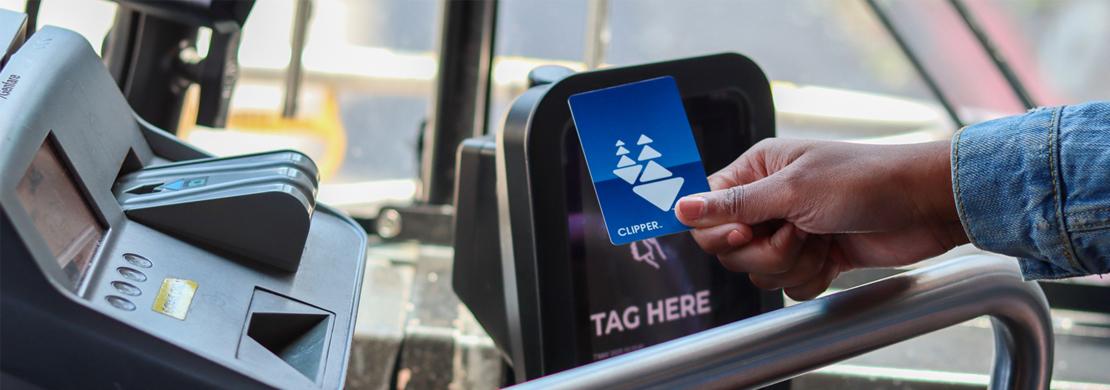
Clipper is the Bay Area’s all-in-one reloadable transit card and the preferred way to pay AC Transit fares. Now with the roll out of Next-Generation Clipper, riders will have access to new features that offer a more convenient, accessible, and affordable experience. Like before, riders using this contactless payment option can enjoy discounts on single ride fares and Day passes, but now have access to even more. Take advantage of two key features today—pay adult fares with a contactless bank card and apply for Youth and Senior discount cards through online applications.
Contactless Bank Card Payments
There are now more ways to pay, as Bay Area transit riders can pay adult fares using plastic or mobile contactless bank cards—credit or debit—Visa, Mastercard, American Express, or Discover.
As riders start using this new way to pay, here are some tips to keep in mind when paying with a contactless bank card:
- Each rider must pay with their own card or mobile device.
- Contactless bank card payments are only good for adult fares. Youth, Senior, Clipper Access (formerly RTC) and Clipper START customers should continue to pay fares with their plastic or mobile Clipper cards—they will not receive a discount with contactless bank cards.
- Get charged correctly. To ensure that the correct card gets charged, riders should remove their card from their wallet before tapping. To reduce the risk of improper or multiple charges to your cards, use the same card to tap in and out of dual-tap agencies. Riders paying with a mobile device should select their preferred payment in Apple Wallet or Google Wallet.
Youth and Senior Account Applications
Youth (ages 5-18) and seniors (over 65) can now apply for Youth and Senior Clipper cards through online applications at clippercard.com—making it easier than ever to access discounted fares.
Checking Your Balance
While balances are no longer displayed on Clipper readers, checking your balance in real-time continues to be convenient:
- Riders can see their Clipper balance anytime by logging in to the Clipper app or website if their card is registered.
- Riders with a mobile card can check their balance in their Apple or Google Wallet.
For more information on the Next-Generation Clipper system and additional features, visit clippercard.com or call the Clipper Customer Service Center at (877) 878-8883.
See AC Transit’s Fares page for full fare information including Next-Generation Clipper features.
FAQs
What Next-Generation Clipper features and benefits are available at initial rollout (December 2025)?
At initial rollout, all customers will have access to two new features—paying adult fares using contactless bank cards on all Bay Area transit agencies and applying online for Youth and Senior Clipper cards.
In addition to these two new features, there are more benefits available at initial rollout— including improved Customer Service and Contactless Bank Card Trip History.
Do I need to upgrade my Clipper card?
Yes. Clipper will be initiating card upgrades for customers in large batches so that the Next-Generation system’s new features and benefits are made available to all customers. This process will continue for a few months after initial rollout. However, Clipper customers can initiate card upgrades if they want early access to all of the Next-Generation system’s features and benefits.
Whether customer-initiated or Clipper-initiated, to complete the upgrade process, Clipper customers need to tap their cards—plastic or mobile—to a Clipper reader. The first tap may take a couple of seconds longer than usual. NOTE: If customer-initiated, it will take 24 hours to process.
How do I upgrade my Clipper card?
To gain early access to the full list of Next- Generation Clipper features, Clipper customers can initiate upgrades to their existing plastic and mobile cards by doing one of the following:
- Log on to the Clipper app (if cards are registered).
- Log on to their account at clippercard.com (if cards are registered).
- Call the Clipper Customer Service Center at (877) 878-8883 and talk to a customer service representative (if card is unregistered).
After initiating the card upgrade process, simply tap your card to a Clipper reader the following day. This tap may take a couple of seconds longer than usual. Then the customer’s card conversion will be complete and Next-Generation features and benefits will be available.
How do I pay my fares with a contactless bank card?
Simply remove your contactless bank card— credit or debit—Visa, Mastercard, American Express or Discover card—from your wallet and tap the Clipper reader on the platform or aboard the bus or light rail car to pay your adult fare. You can also use a bank card that is already stored in your phone’s mobile wallet.
When paying with a contactless bank card, remember…
- Riders can only pay adult fares using a contactless bank card.
- Contactless bank cards will not provide discounted fares.
- Plastic bank cards must be chip-enabled.
- Mobile device users should select the card they want to use in their Apple or Google Wallet before tapping.
- Each rider must pay with their own card.
- Riders must use the same card to tap in and tap out (where applicable) throughout their entire journey.
Can I get discounted fares when paying with a contactless bank card?
While you are eligible to receive transfer discounts and fare maximums (also referred to as fare capping, pay-as-you-go, or accumulator), contactless bank cards can only be used to pay adult fares. For transfer discounts and fare maximums, be sure to use the same card to pay all fares. To pay discounted fares, use the Clipper card provided by your discount program—such as your Youth, Senior, Clipper Access (formerly Clipper RTC) and Clipper START card.
Can I pay for multiple riders using a contactless bank card?
No, each rider must pay with their own card, and when riding dual-tap operators, riders must use the same card to tap in and tap out during their trip.
How do I check my Clipper balance now that it is no longer displayed on Clipper readers?
Here are four ways Clipper users can access their Clipper balances 24/7:
- Log into the Clipper app or clippercard.com website (if their card is registered)
- Check their mobile wallet (if they have a mobile card)
- Tap their card at a ticket machine
- Call Clipper Customer Service at (877) 878-8883
What are my transfer benefits with Next-Generation Clipper?
During the roll out of Next-Generation Clipper, AC Transit riders will receive one free local-to-local transfer within two hours of their first trip. As part of Metropolitan Transportation Commission’s (MTC) pilot program, riders will receive automatic discounts up to $2.85 when transferring from one transit operator to another within two hours.
How will I know if my card has been upgraded?
When tapping an upgraded Clipper card to a Clipper reader, the reader will simply display “Travel OK” without your card balance, just like when tapping a bank card.
If you are still not sure and want to confirm that your card upgrade has been completed, please call Clipper Customer Service at (877) 878-8883.
I am having issues with my Clipper card. What should I do?
Riders can call the Clipper Customer Service Center at (877) 878-8883 or email custserv@clippercard.com if they are experiencing issues initiating their card upgrade and accessing the Next-Generation Clipper features and benefits.
What is Clipper Access?
Formerly known as the RTC program, Clipper Access provides riders with qualifying disabilities discounted fares on fixed-route service in the Bay Area. Although the name has changed, customers do not need to get a new card. Their existing card will continue to work as before. For more information about Clipper Access, visit 511.org/transit/clipper-access
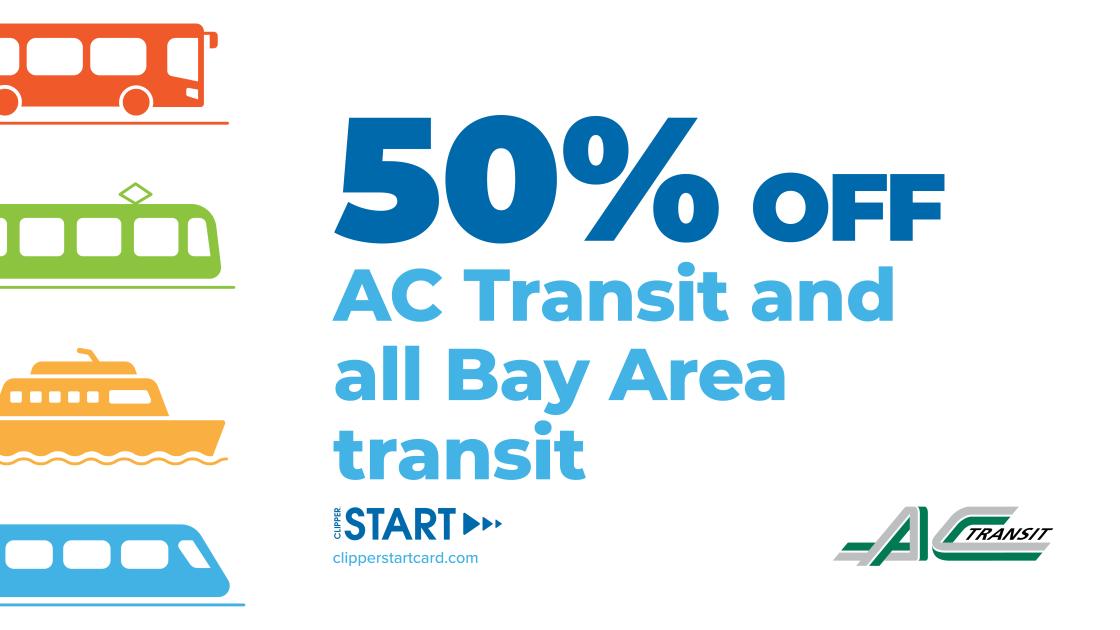
50% Off with Clipper START!
Clipper now offers a program to provide discounts to low-income adults. How does it work?
- Apply and provide proof of identity and income
- Get approved
- Receive a personalized Clipper card in the mail to get your discounts
- Ride!
Learn more and apply online at clipperstartcard.com.
Get Clipper
Get Clipper today and start riding easier. There are a variety of ways to purchase a Clipper card.
- Visit clippercard.com and buy online
- Load a Clipper card onto your phone and pay with Apple Pay or Google Pay
- Get the Clipper app
- Call (877) 878-8883 to order from a Customer Service Representative
- In person at the AC Transit Customer Service Center
- Purchase at various retail locations, including BART and Walgreens
Reload Clipper
Once you have your Clipper card, load it with passes or cash for easy payment. Then tag the Clipper reader with your card or mobile device when you board the bus. Never get held up with an empty card. Set up automatic reloads, reload online, via Apple Pay or Google Pay, or in person at locations around the Bay Area. Learn more about reloading your card.
Clipper Help
Want to know more? Use these quick links for more information on Clipper’s official website.